

Add a caption below a statement button
Updated 3 months ago
Button caption shows a short helper line below a statement block's button, such as "Takes ~2 minutes" or "128 people submitted", with an optional icon. It's available for statement blocks only — the final submit block and the Thank You page don't have it.
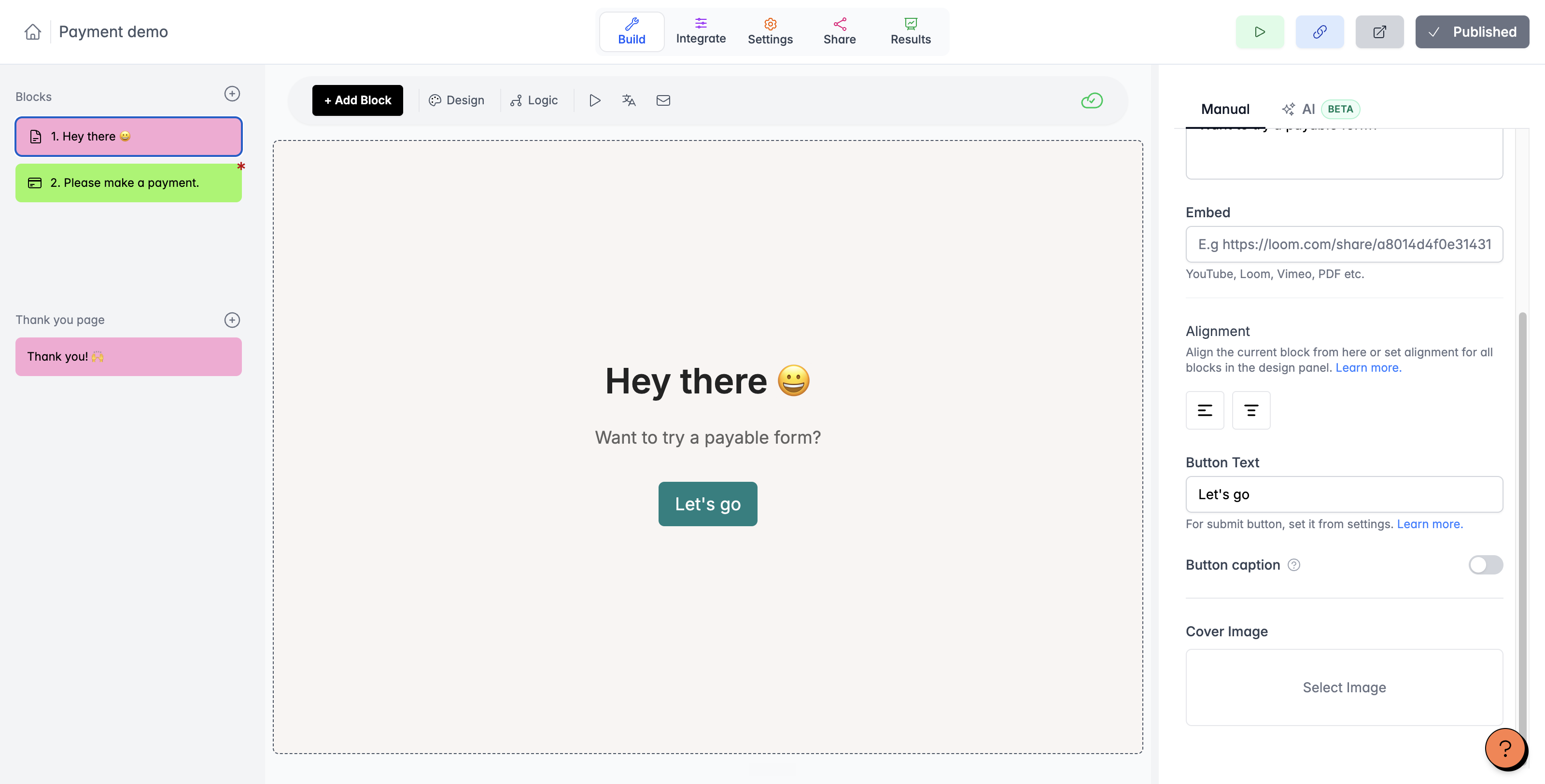
Turn on Button caption
Button caption lives in the right-side editor panel and appears when a statement block is selected.
Select the statement block in the form builder.
In the right-side editor panel, turn on Button caption.
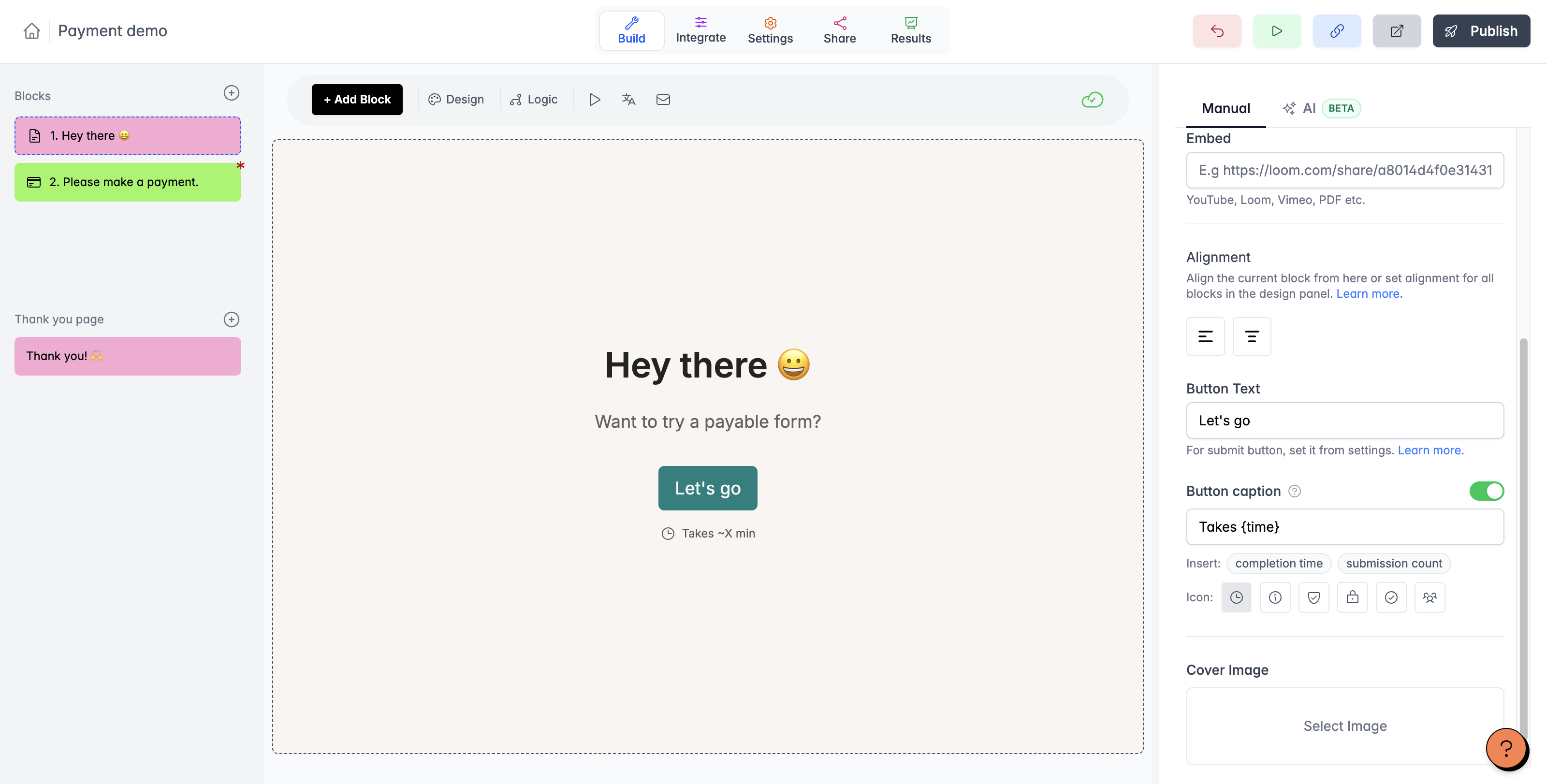
Type the caption text, up to 100 characters.
Turning the toggle back off clears the caption text and its icon.
Insert completion time or submission count
Instead of typing a fixed value, insert the dynamic placeholders: completion time adds "Takes {time}" and submission count adds "{submissions} people submitted". You can edit the wording around the placeholder.
How the placeholders behave
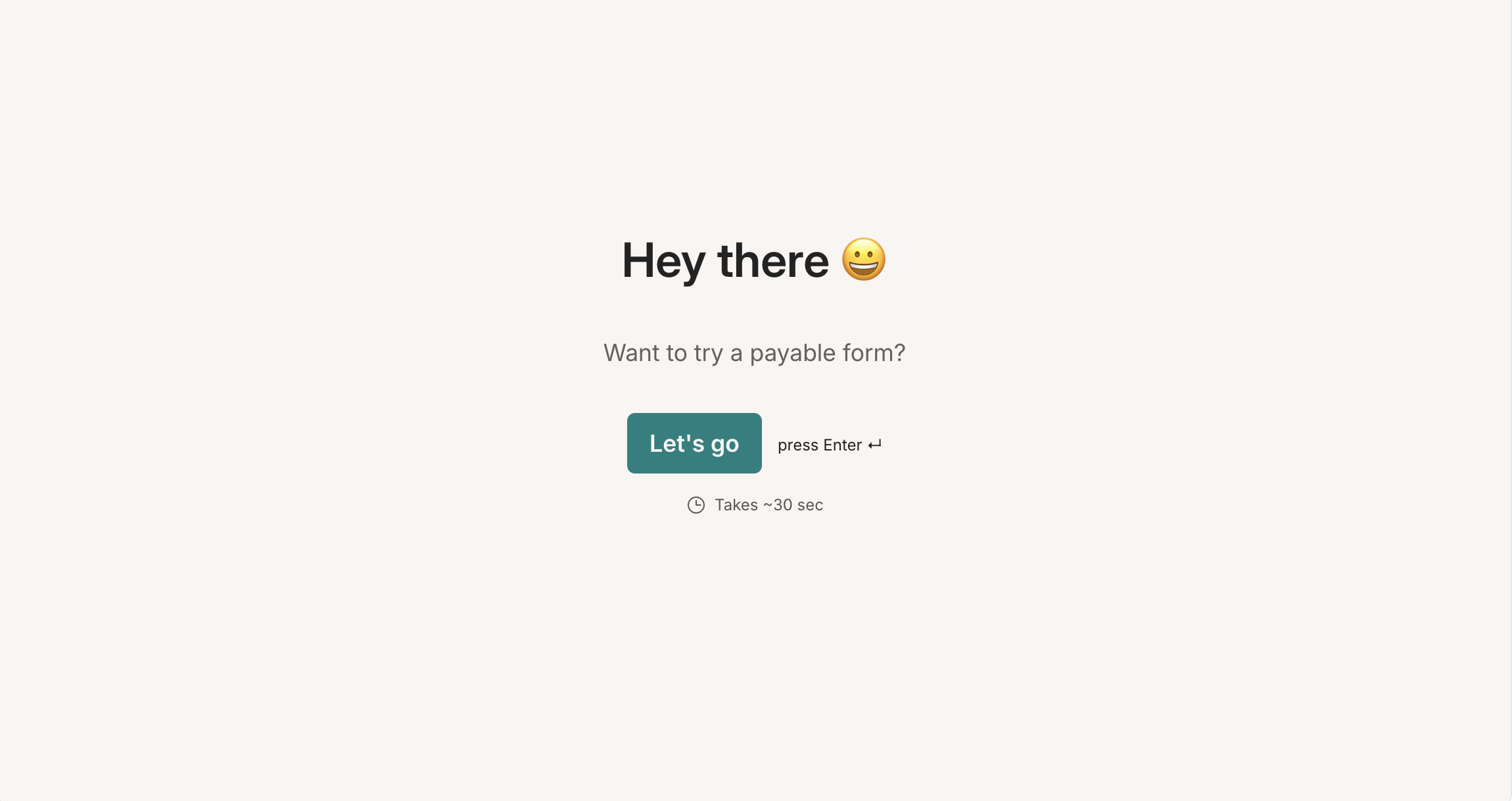
{time} shows the average completion time from your form's data over the last 30 days, or an estimate based on the number of questions for new forms. Under a minute it reads "~X sec" rounded up to the next 10 seconds; from a minute up it reads "~X min" rounded to the nearest minute, and the value stops at 60 minutes.
{submissions} shows the number of completed submissions. A caption that uses it stays hidden until the form has at least 2 completed submissions, so a fresh form shows nothing until the second response arrives.
Choose an icon
Six icons are available: Clock, Info, Shield check, Lock, Check circle, and Users. The icon picker appears once the caption has text; clicking the selected icon again removes it.
Preview the caption
Open the form preview to check how the caption looks below the button with its icon, as in the rendered form below.
Captions in translated forms
Captions use your form's translation system: they translate with the rest of the block, and the {time} and {submissions} values use the form language's seconds and minutes labels. See How to add multiple languages in Youform? for how translation works.
Captions on mobile
Captions render on desktop and mobile, with the icon in both. On mobile the caption appears in the fixed button bar at the bottom of the screen. A caption that resolves to nothing — such as a {submissions} caption before the form has 2 completed submissions — renders nothing.
To change the button text itself rather than the caption, see How to customize the buttons in my forms?.