

Embed forms in email
Updated 3 months ago
Youform lets you place the first question of a form directly in an email campaign. The question appears as clickable answer choices: when a recipient picks one, the rest of the form opens in their browser with that answer prefilled.
Email provider required: Standard email clients like Gmail or Yahoo Mail don't support embedded forms. You'll need an email marketing platform that accepts pasted HTML, such as Mailchimp, HubSpot, or any other email builder.
How to embed a form in email
Open your form from the dashboard and click the Share button at the top
Navigate to the Embed in Email tab
Preview how your form will appear on desktop and mobile devices
Click the Copy HTML button to copy the embed code
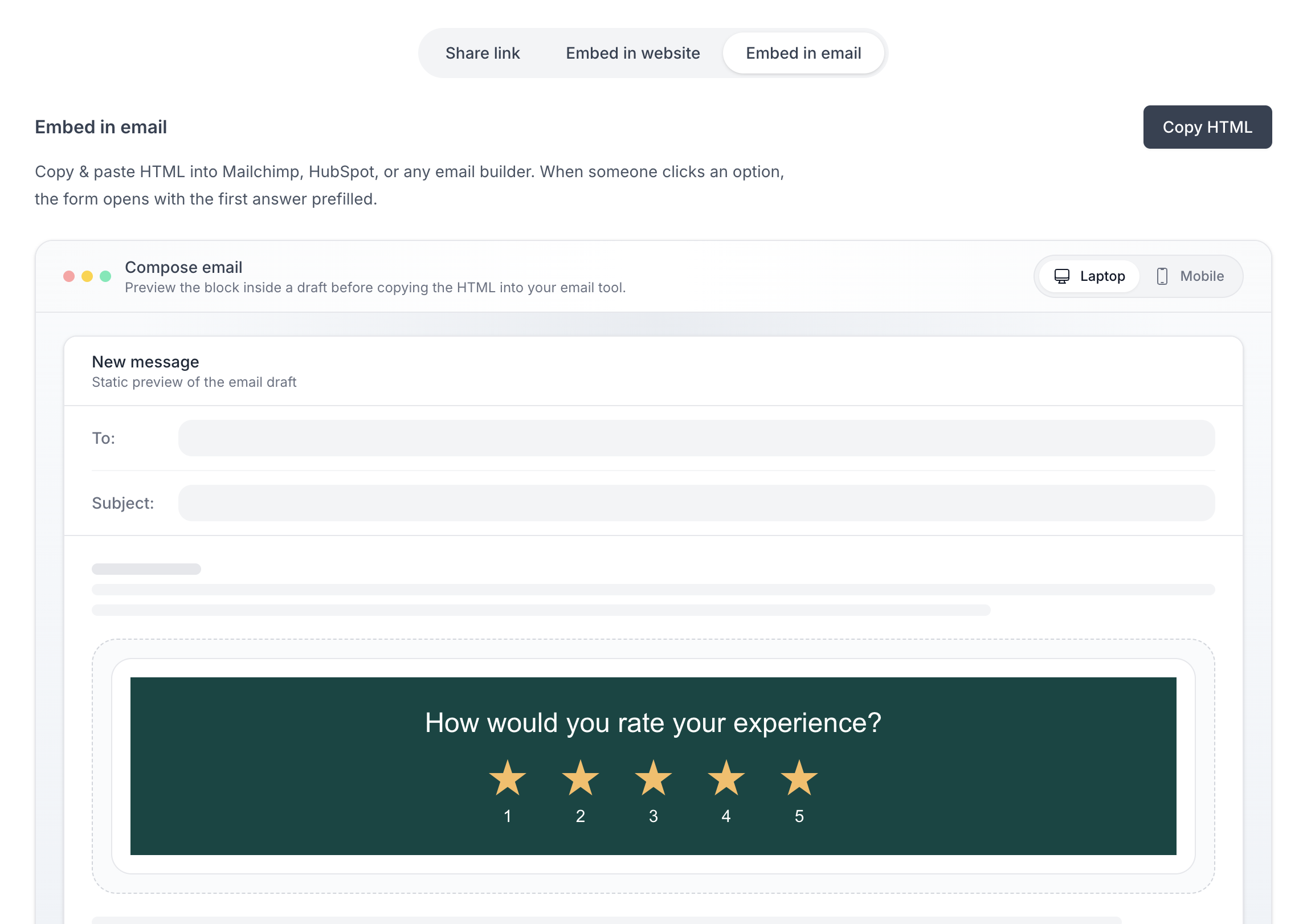
In your email provider's builder, locate the HTML or code section
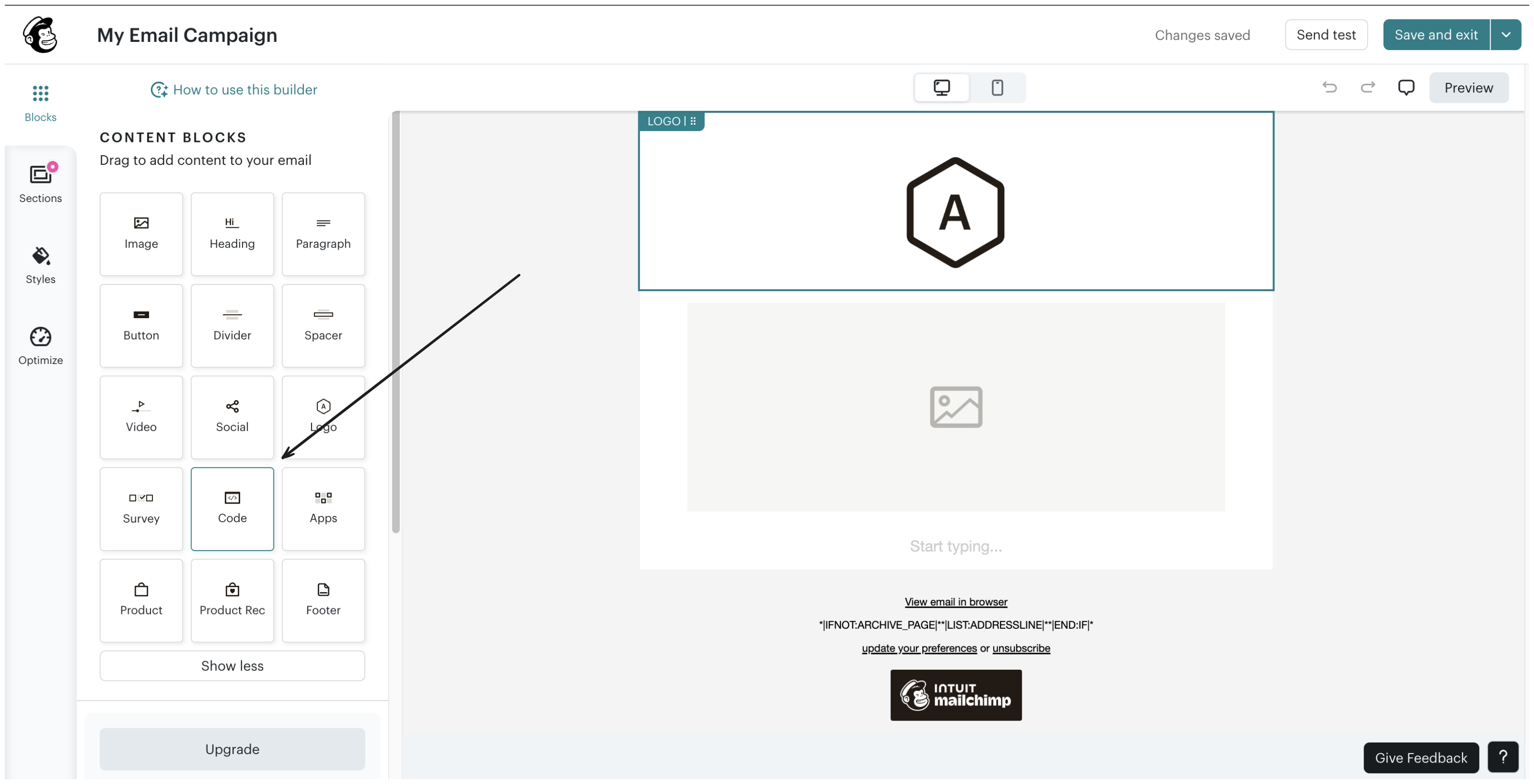
E.g of form email embed in Mailchimp
Paste the copied HTML code into the code section
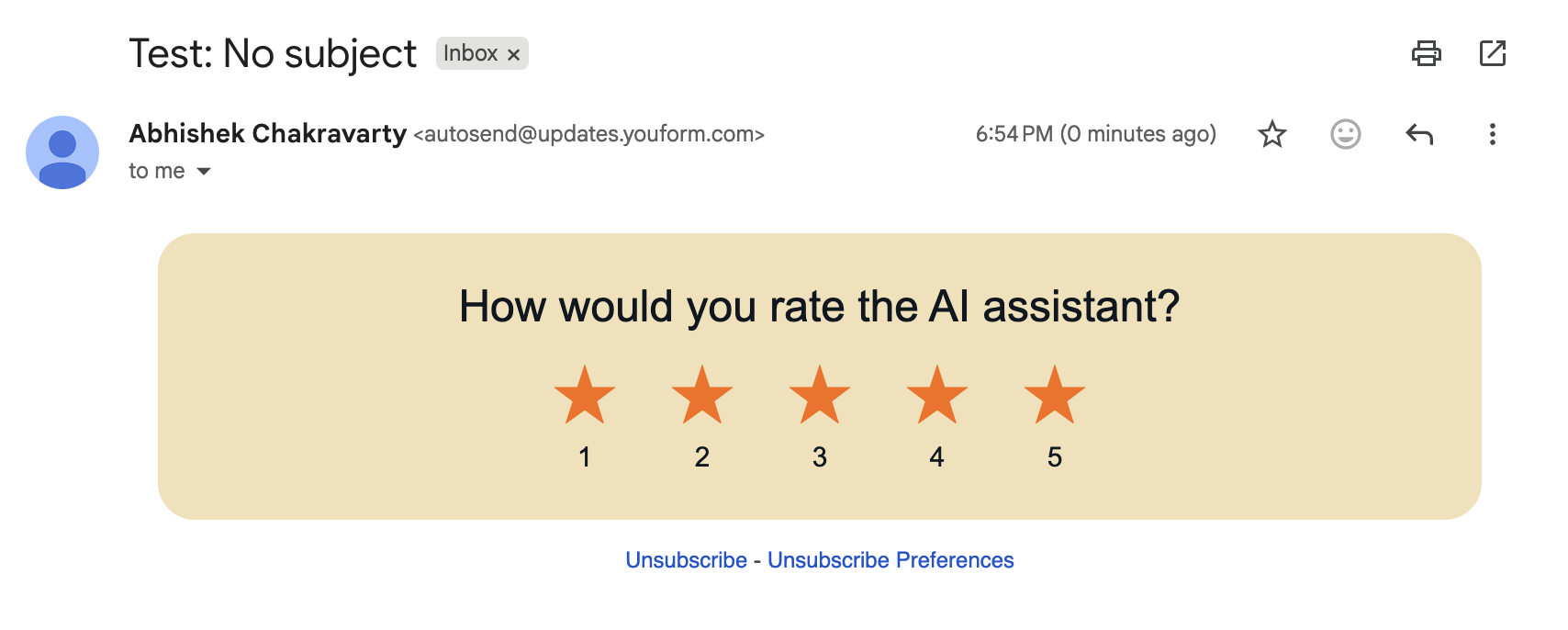
Available block types for email emebed
The first published block of your form must be one of the following block types, otherwise the email preview and Copy HTML action are not available:
Star Rating
Opinion Scale
NPS
Single select option
If you need additional block types, please reach out to us at [email protected]