

How to set a custom OG (or social share) image for my form?
Updated 3 months ago
Open Graph (OG) images are the images displayed when you share your link on social media platforms, iMessage,WhatsApp etc.
By default, if you share a form, the OG image will appear as shown below.
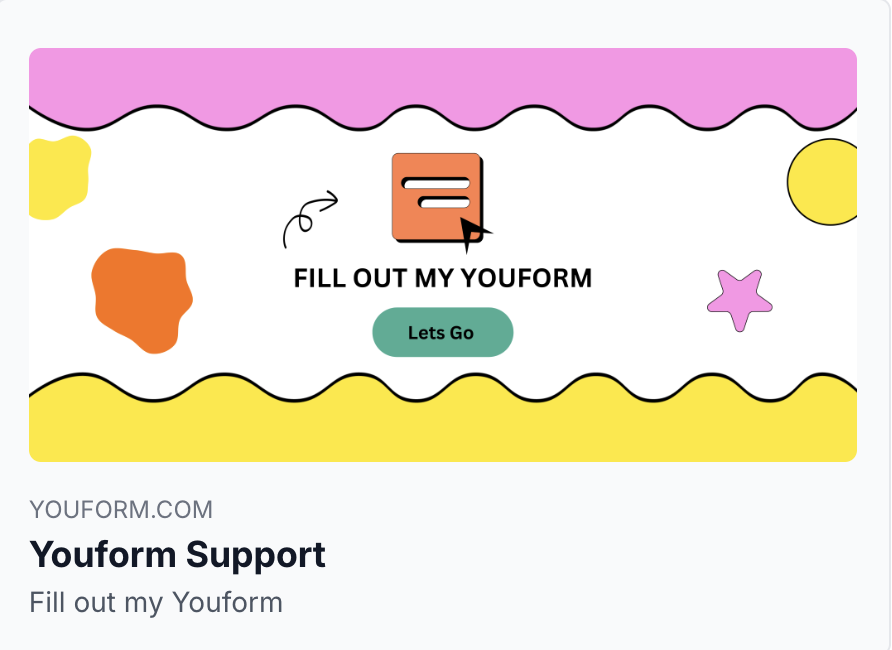
The default link preview
However, you can customize this by navigating to your form settings and then to link settings. You can also set the page title and favicon from there.
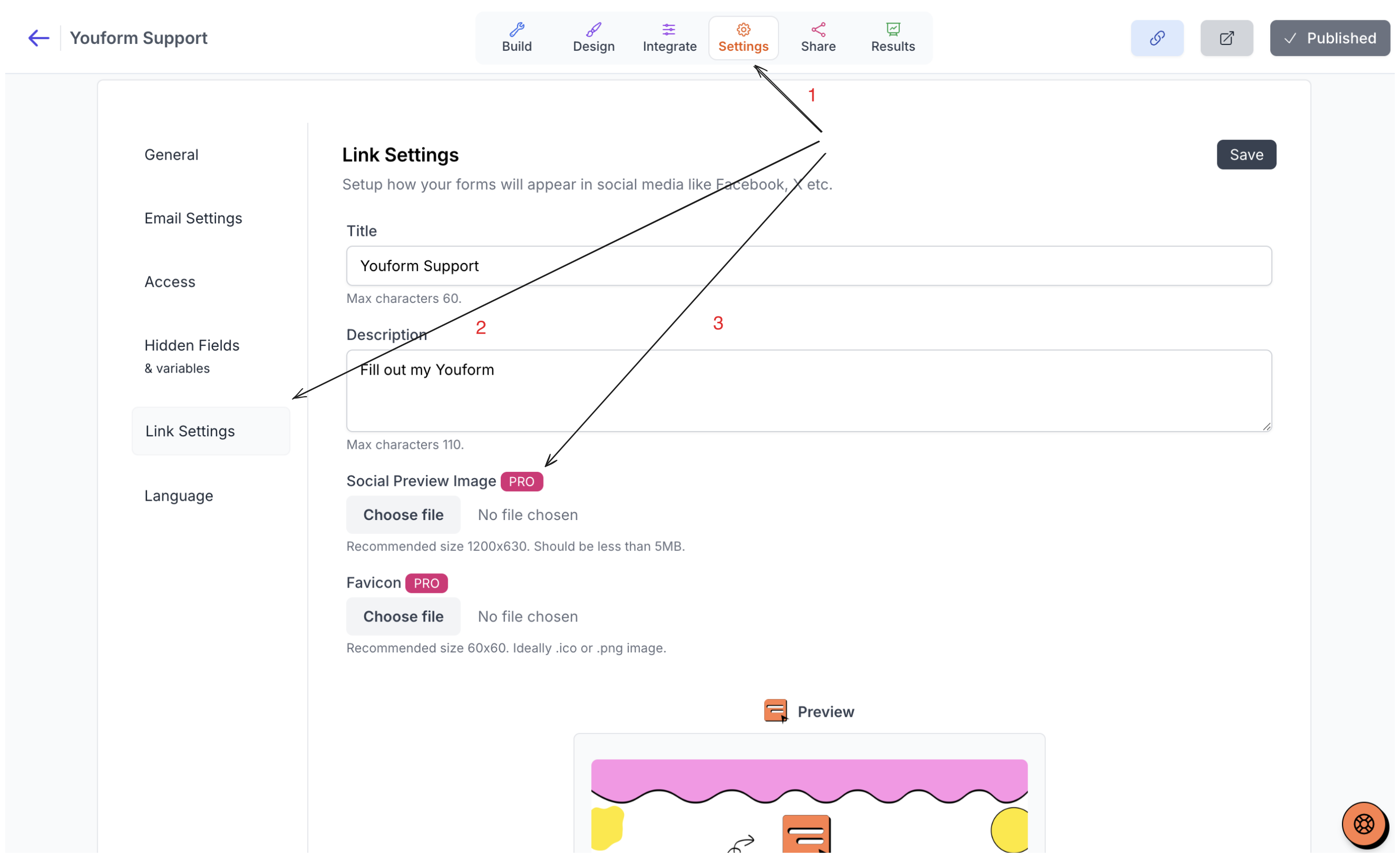
This customization feature is available only for Youform PRO users.
Was this helpful?
Was this helpful?