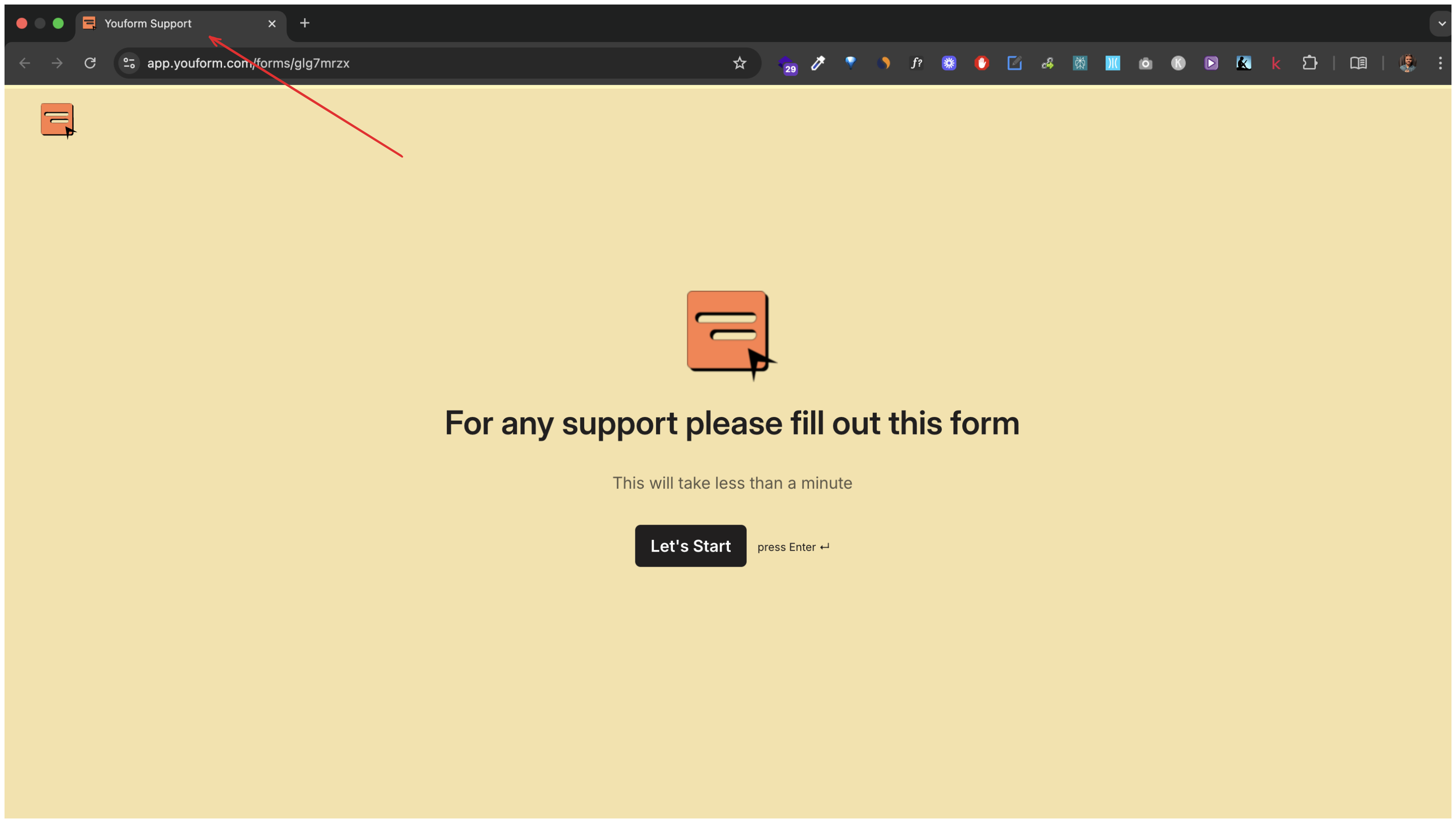
Changing form name not reflecting in the link when shared.
Updated 3 months ago
Managing Your Form Name and Link Title on Youform
In Youform we have form name concept to help you track your forms on the Youform dashboard. You can rename your form from the dashboard by clicking the three dots or from the builder at the top right.
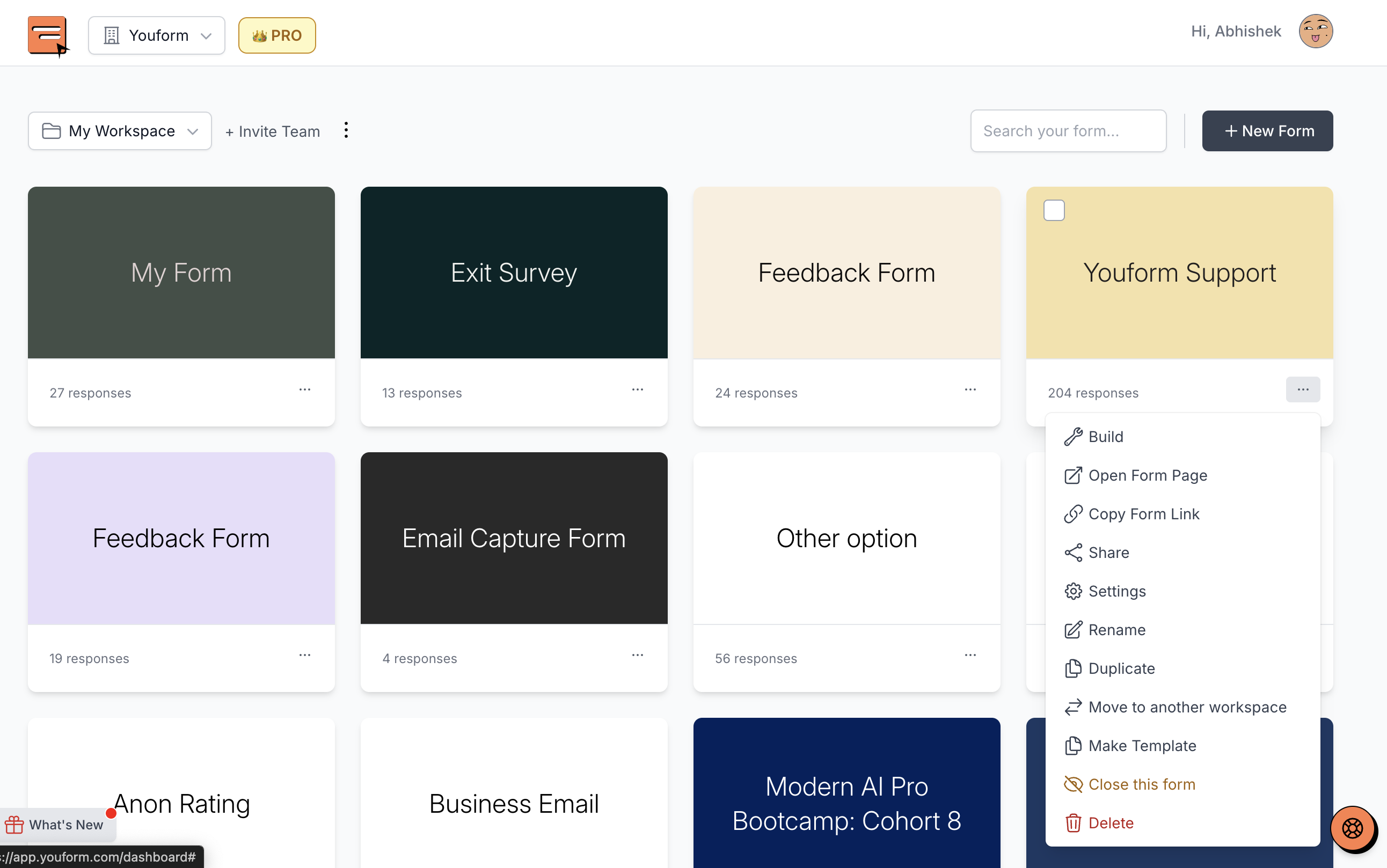
You can change your form name from the dashboard by clicking on the three dots, but this might not reflect in your link title. You need to do that from the link settings.
However, this name change won't show in the link when shared on platforms like iMessage or WhatsApp. This is because the name in the link is called link title which can be set in link metadata, from the link settings page.
How to Change Link Metadata?
To change your form's link metadata:
Go to form settings.
Find the link setting option on the left.
There, you can set your title, description, and share preview image.
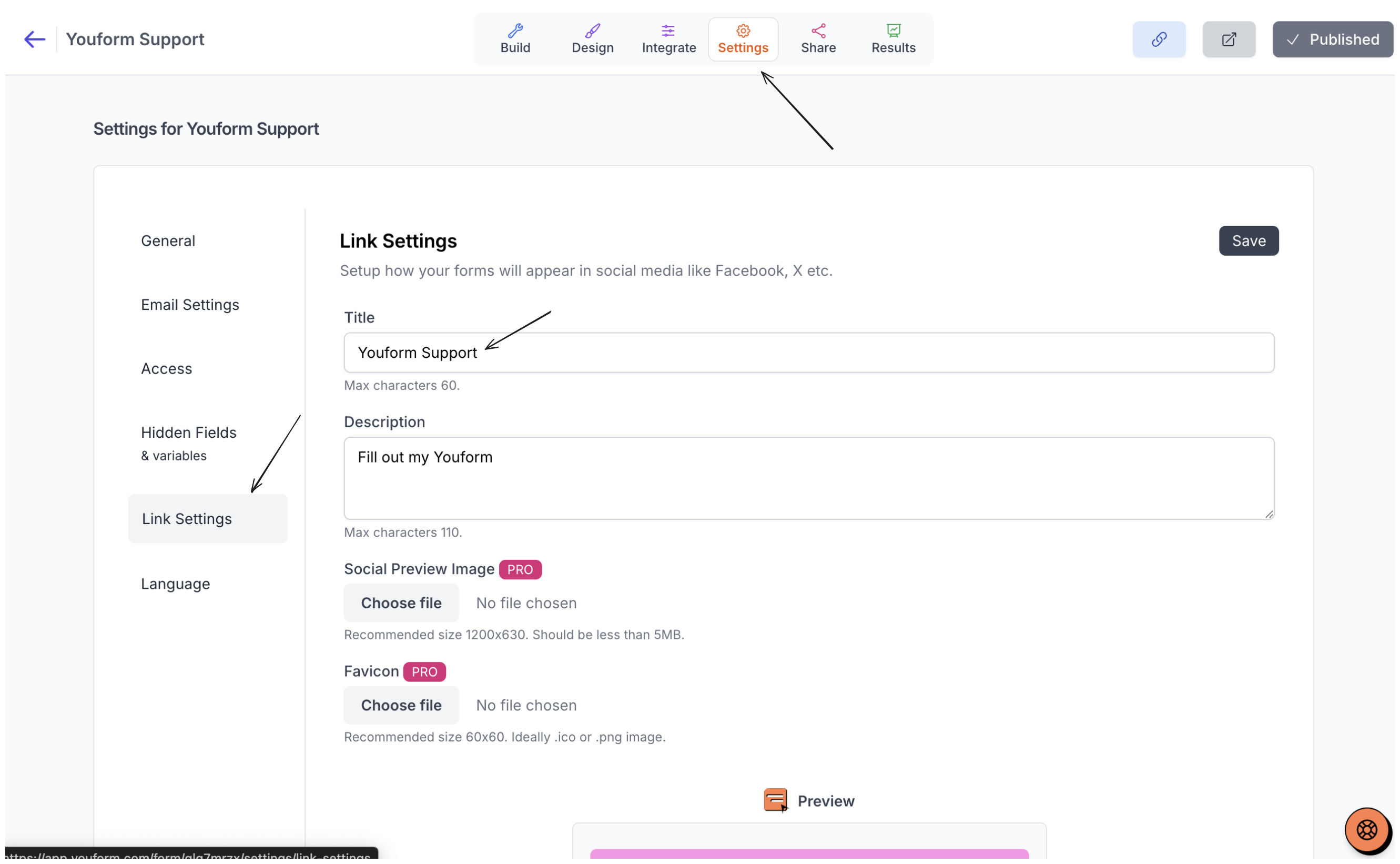
Change link metadata like form name from share image from link settings.