

How to hide the "next" button in forms?
Updated 3 months ago
In Youform, we provide a feature called Auto-Advance for the questions which require only a single action from the user side.
The question types where Auto-Advanced works are:
single select multiple choice questions,
drop-down questions,
star rating,
Opinion scale.
So for all these question types, you can just make your button text empty from the right-side panel, and this will remove the button from the form for these questions.
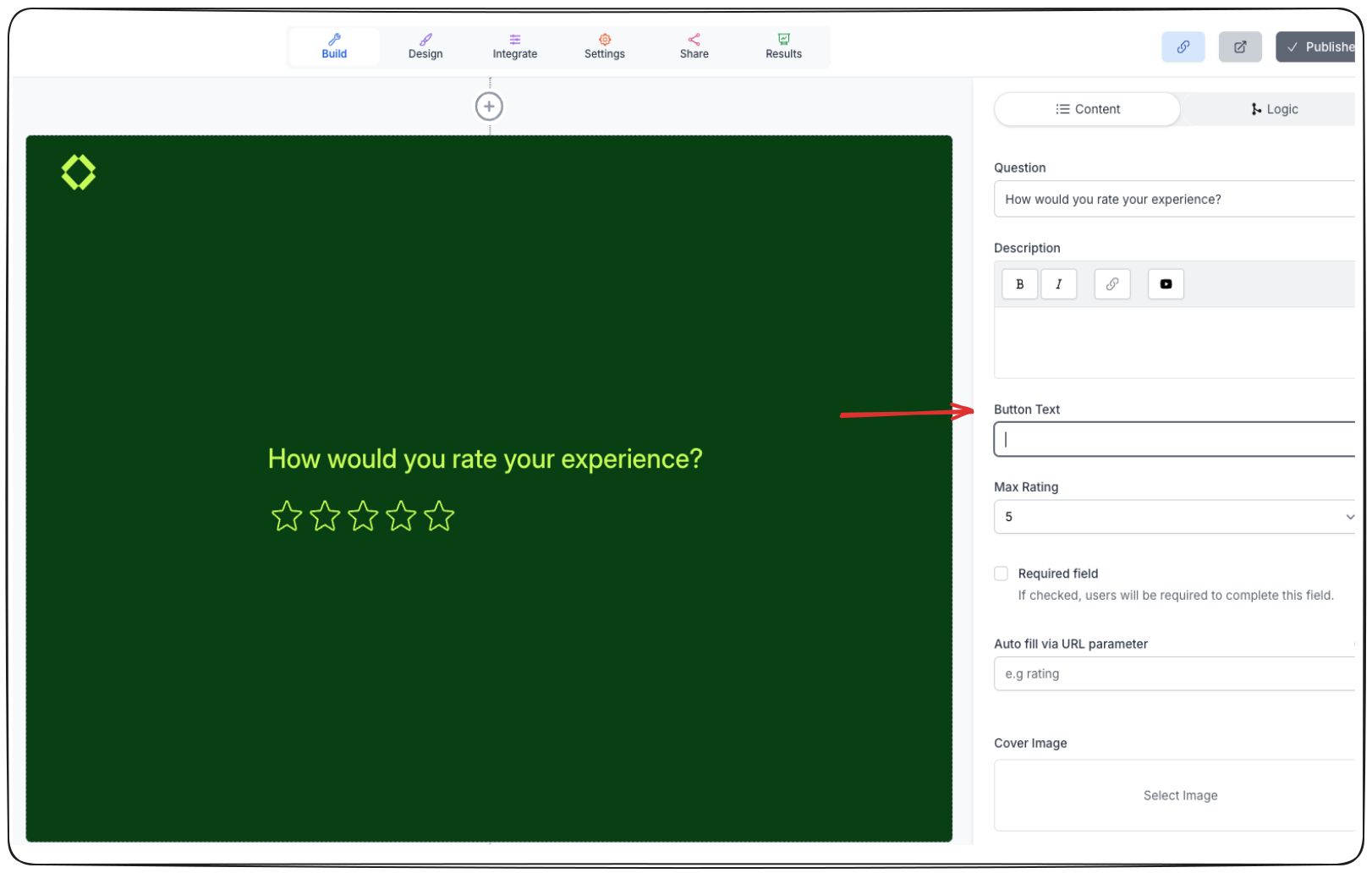

Question without the "Next" button
A word of caution: Do not remove button text from question types which do not follow Auto-Advance because then the user won't be able to go to the next question.
Was this helpful?
Was this helpful?