

Auto-filling via URL parameters in Youform
Updated 2 days ago
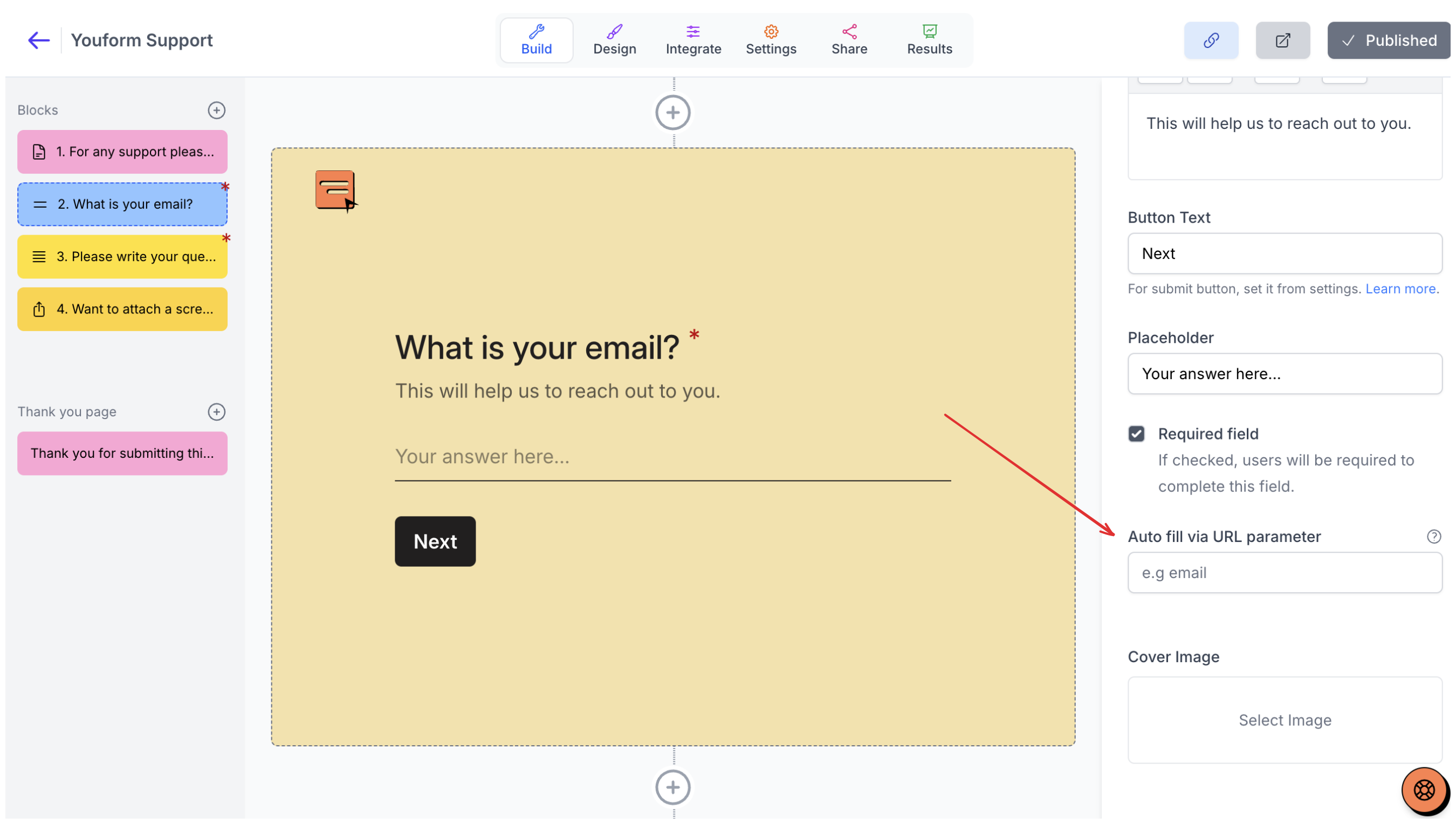
The "Auto fill via URL parameter" feature allows you to have blocks automatically filled out using URL parameters.
How it works:
Let's say you have a single input block where you are asking for email. On the right side of the editor you will see "Auto fill via URL parameter".
For e.g name this "email":
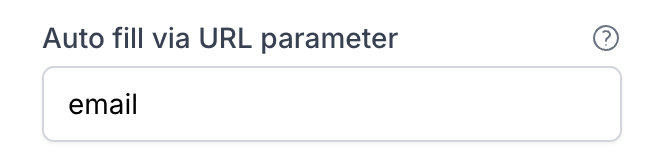
Now you can add [email protected] to the end of your form's URL, and the email address " [email protected] " would be automatically added in the form.
Click this form link to see it in action
https://app.youform.com/forms/[email protected]
For Rating blocks, you can do the same thing:
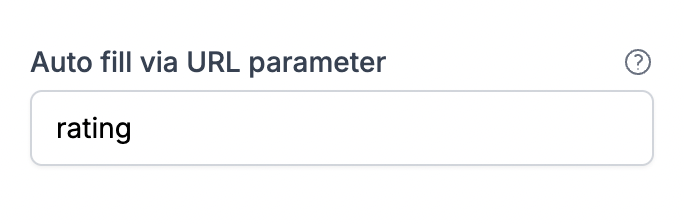
Then add ?rating=4 (or you could do 5) to the end of your form's URL:
https://app.youform.com/forms/lmhmadp1?rating=4
This feature is available for the following block types:
Single line Input
Number
Website URL
Date
Star rating
Opinion scale
Single select option
Multi select option
Dropdown
Contact
Address
How to auto fill from URL parameter for Option type questions?
For option type questions like Single select, Multi select and Dropdown, you can proceed by naming the auto-fill param form the right editor (as mentioned above). Then to get the option ids click on the dropdown chevron from the options in right editor and then copy the option ids.
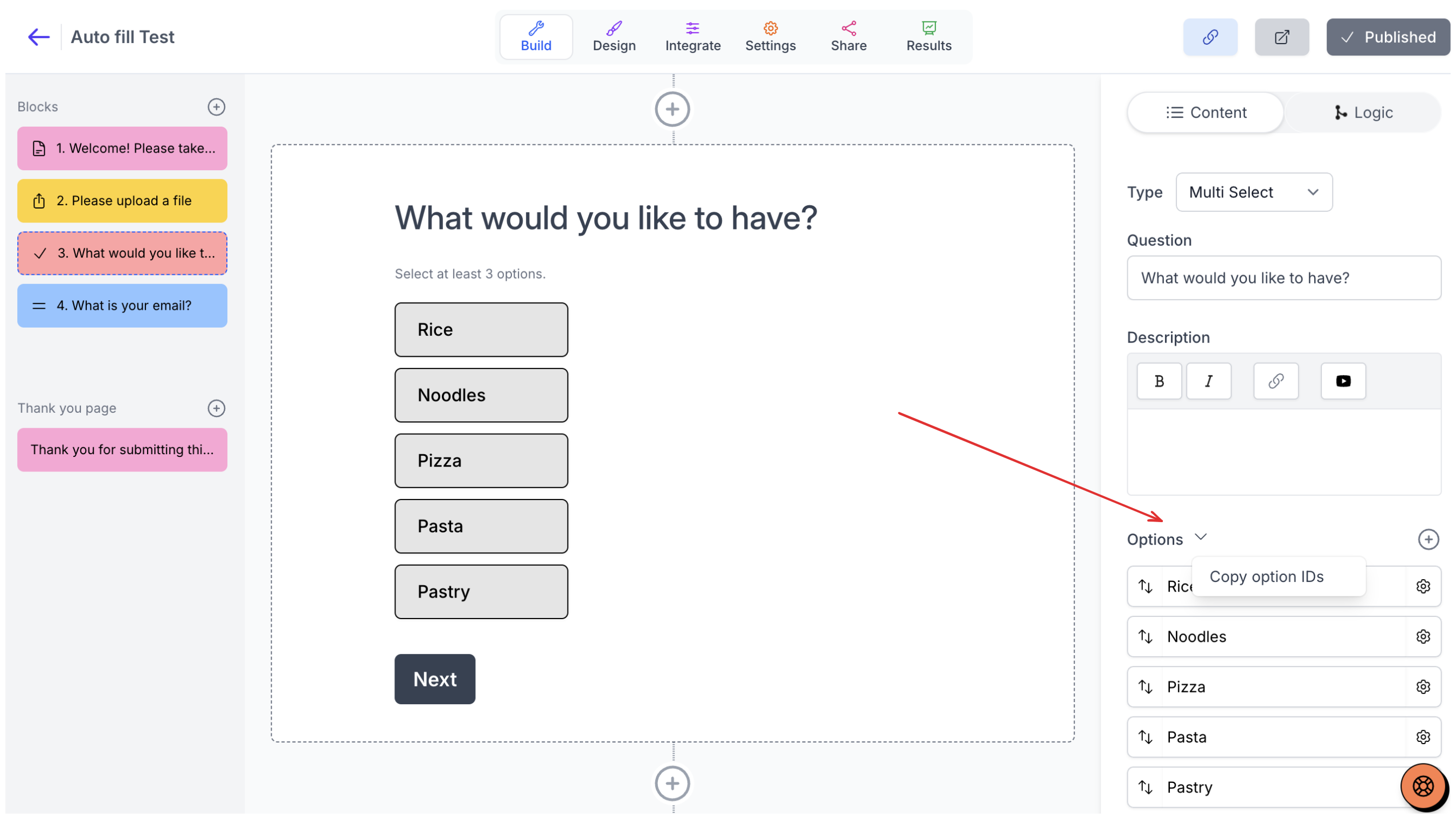
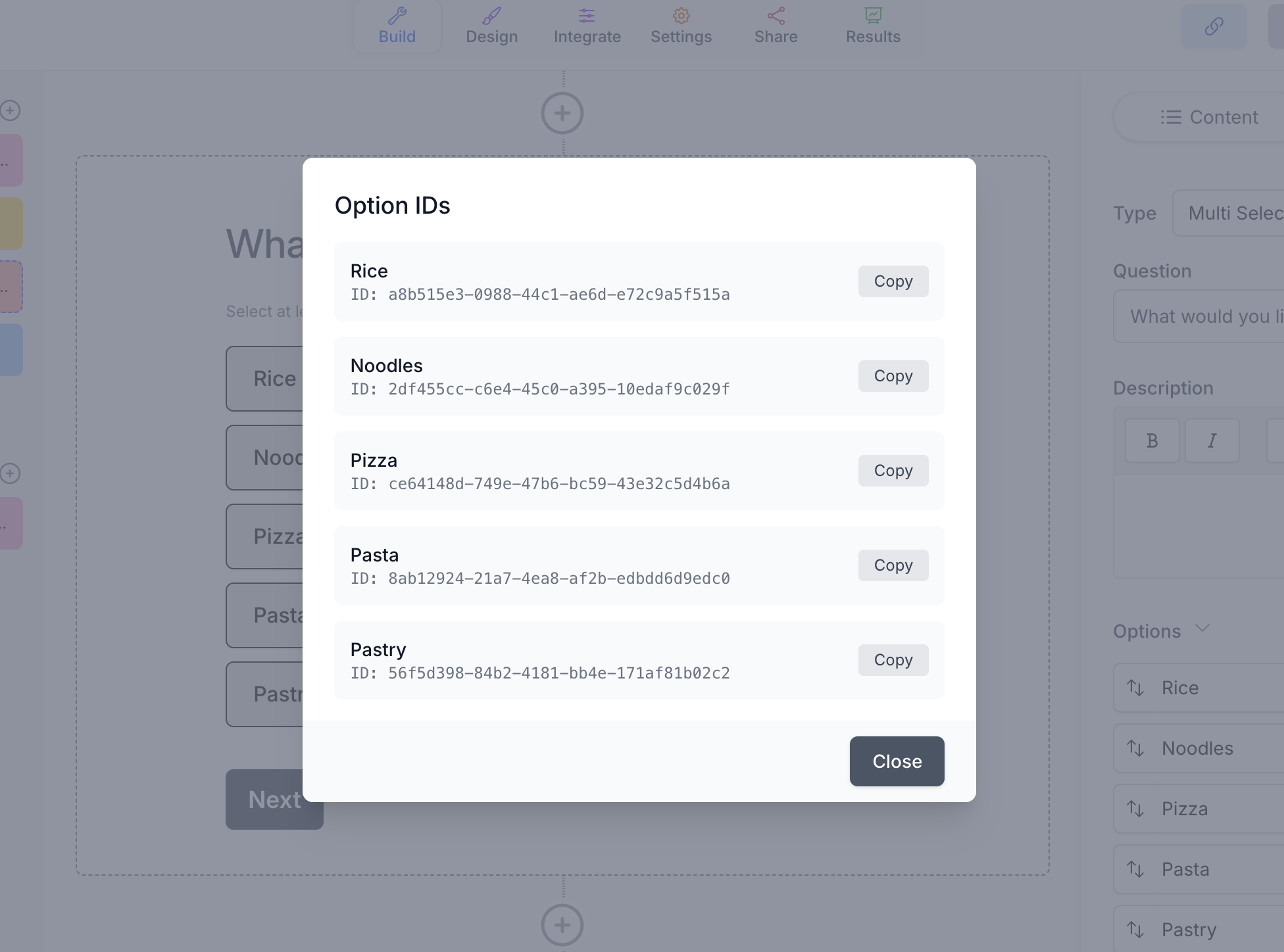
So if you name your block's autofill param say choice then you can add it in URL parameter as: ?choice=option_id
Note: for multi select you can add coma seperated option ids like: ?choices=option_id_1,option_id_2
How to auto fill from URL parameter for Contact and Address questions?
infone provides dedicated blocks for contact and address once you add a contact field or address field in your phone. On the right side, there is a name that you can add for that block. For example, for a contact block, you can simply add "contact" as the block name. For all the subfields that you are asking in that field, you can use the following:
contact.first_name
contact.last_name
contact.phone_number
For eg: https://app.youform.com/forms/tjyjelph?contact.first_name=John&contact.last_name=Cena