

Stripe payments in Youform
Updated 3 months ago
With Youform you can collect payments using Stripe.
Just add a payment block to your form and connect with your Stripe account.
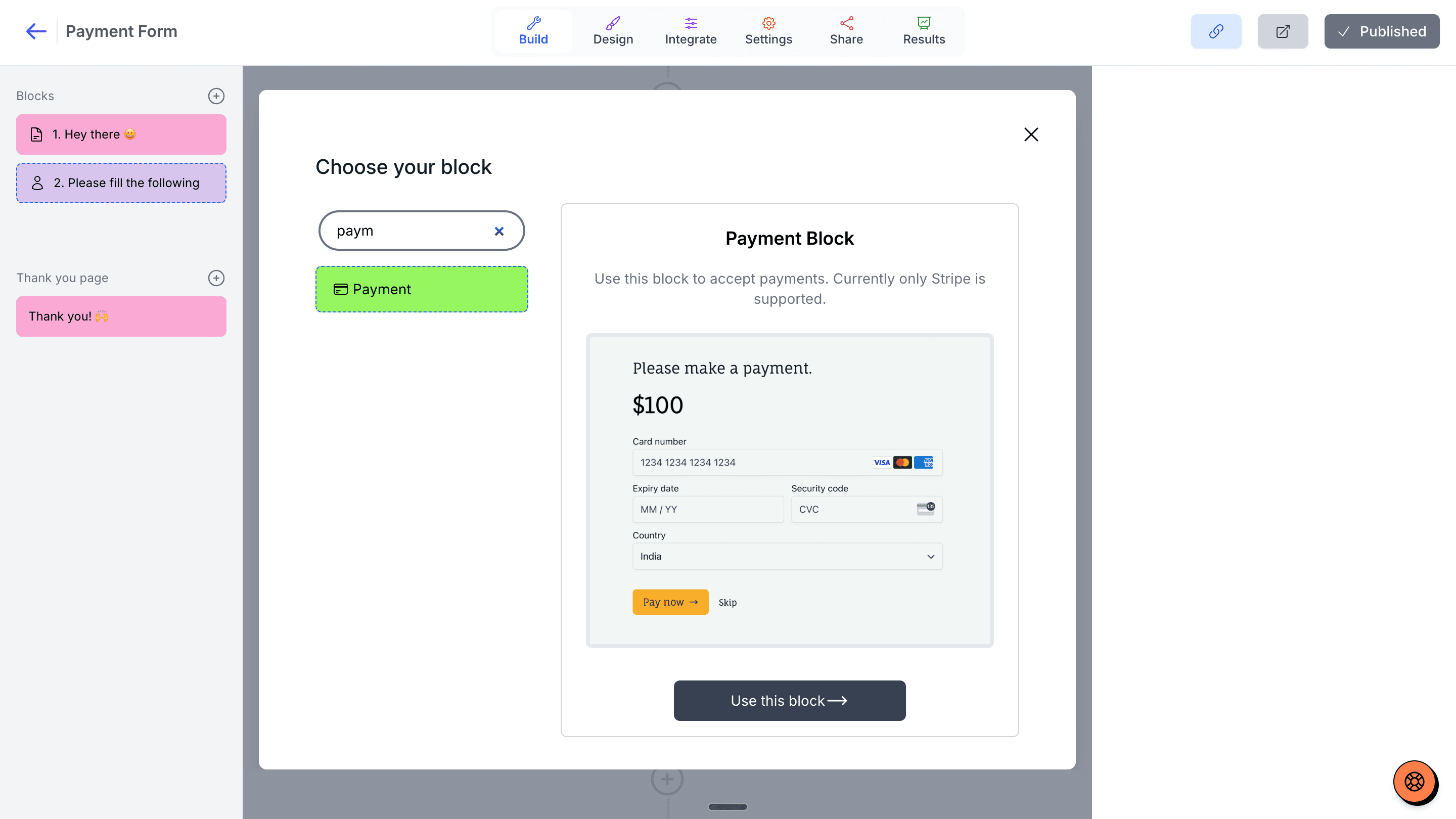
You need to have a Youform PRO account and an active Stripe account to start collecting payments.
What amount I can collect from forms?
You can either collect a fixed amount or collect the dynamically calculated value from the @price variable (using logic).
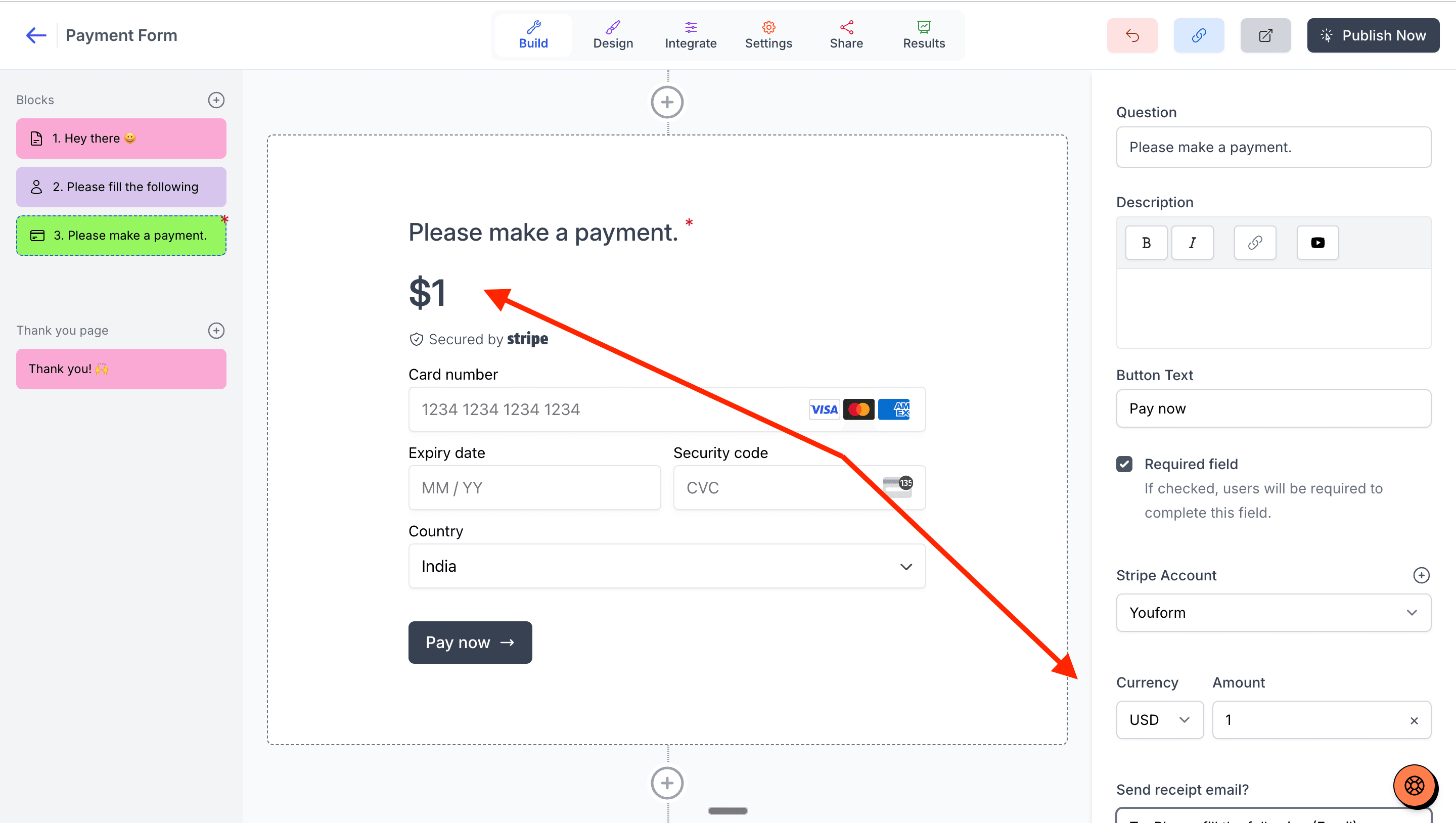
Which currencies are supported?
Currently we support following currencies:
US Dollars
Euros
Sterling
Canadian Dollars
Australian Dollars
Swiss Francs
Norwegian Krone
Swedish Krona
Danish Krone
Mexican Peso
Brazilian Real
If your currency isn't listed let us know and we will add it.
How to send receipts to people when they pay via form?
For this you need to add at least one email field in your form. Then you can enable it from your payment block editor in the right.
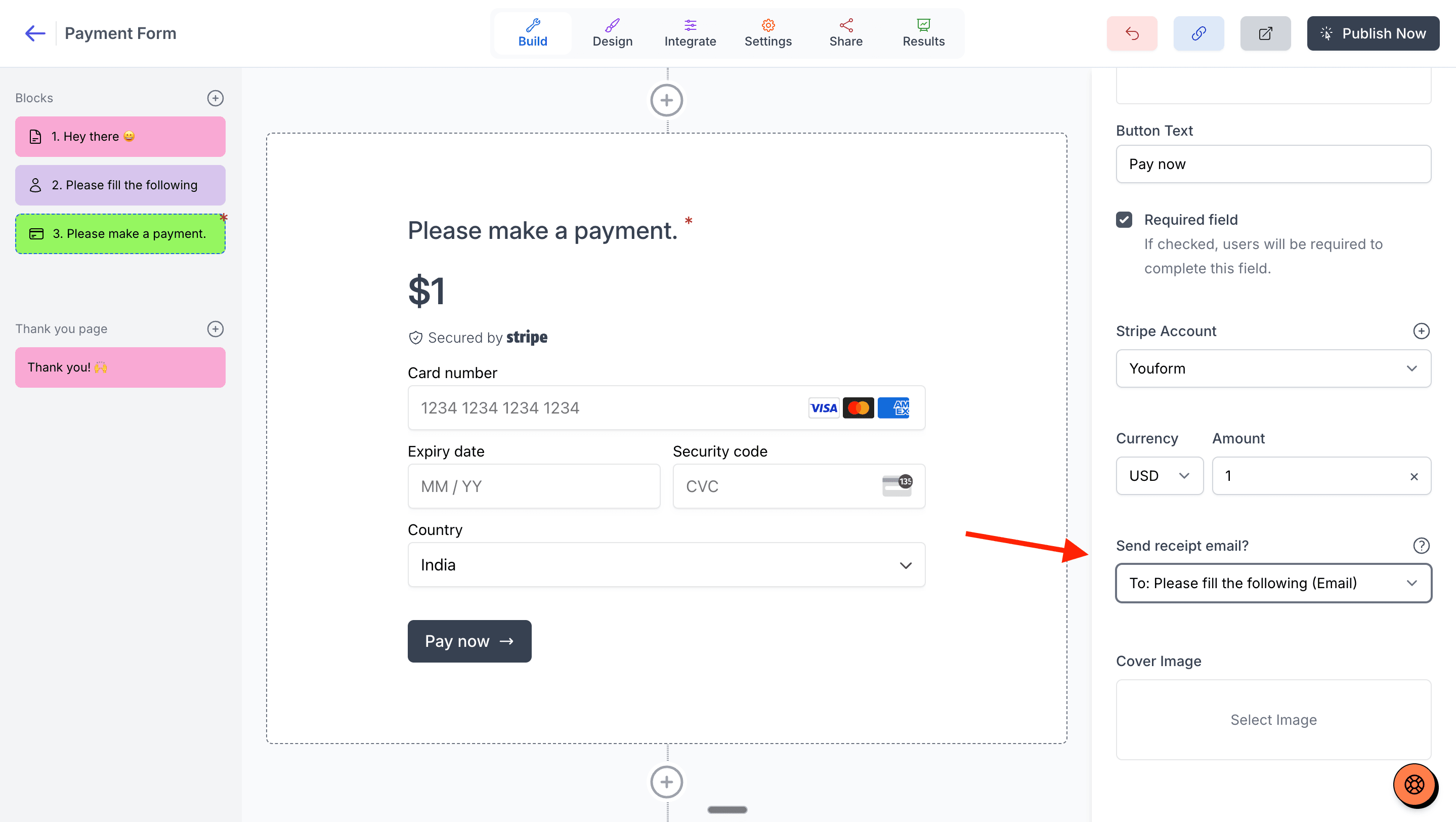
Here I added a contact block and used the email collected from there in the send receipt email option. When the user pays they will receive an email of payment receipt.
Does Youform charges any extra fees on top of Stripe charges?
No, Youform does not charge any extra fees on top of Stripe charges. You just pay for the Youform Pro plan, and you can accept unlimited payments.
Klarna and Afterpay installment payments
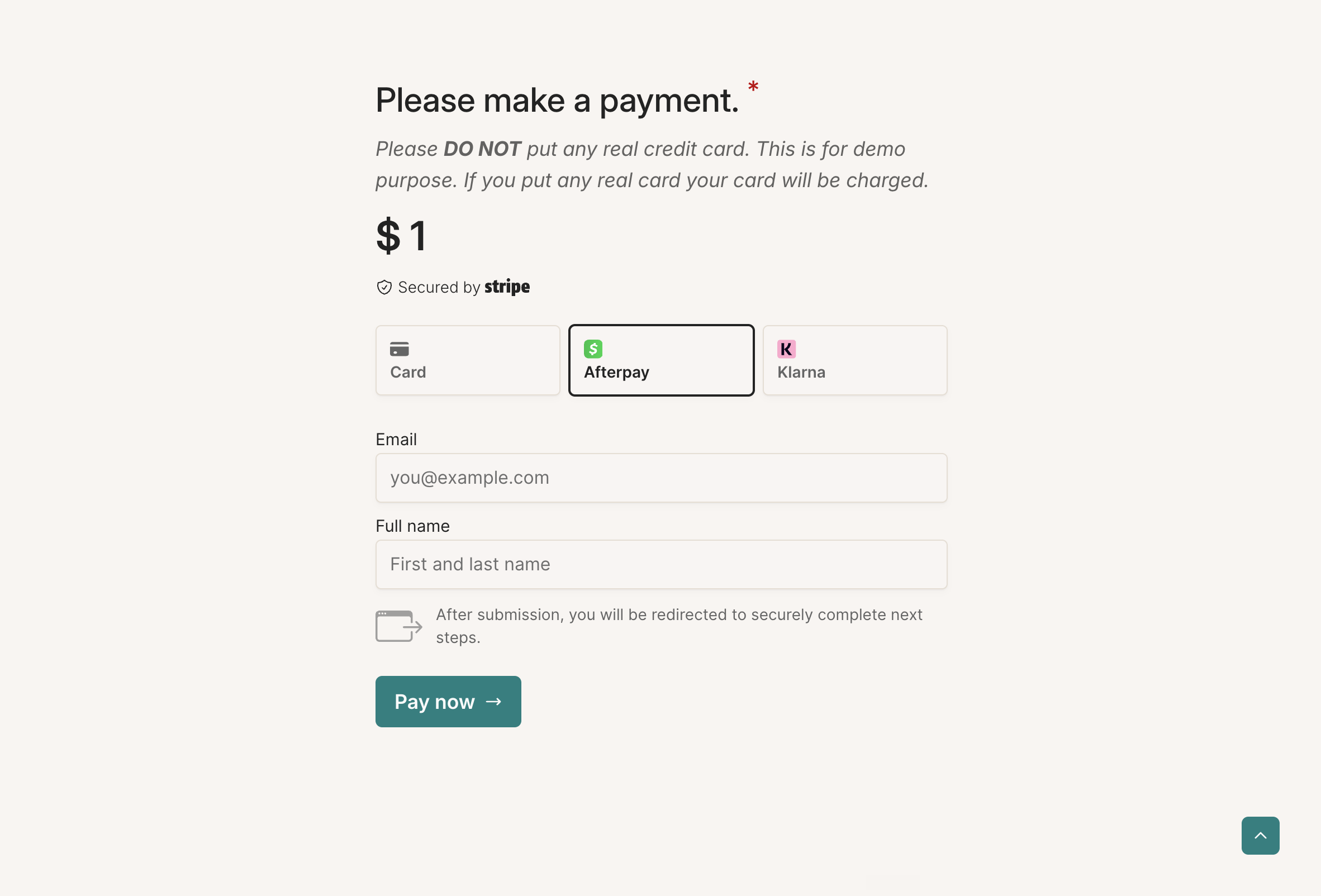
Payment blocks can offer Klarna or Afterpay as installment options, also called buy now, pay later (BNPL), alongside card payments. Turn this on from the payment block editor with the Allow instalment payments option.
How to enable installment payments
In the payment block editor, select the Allow instalment payments option. Klarna and Afterpay appear alongside the card option only when your connected Stripe account has the payment method enabled and the form's currency is supported.
Requirements on your Stripe account
Your Stripe account must have the Klarna payment capability active for Klarna, or the Afterpay/Clearpay capability active for Afterpay. If the capability isn't active on your account, buyers see the card option only.
Supported currencies
Klarna is available for US Dollars, Sterling, Euros, Danish Krone, Norwegian Krone, Swedish Krona, Polish Zloty, Swiss Francs, Australian Dollars, New Zealand Dollars, Canadian Dollars, Czech Koruna, and Romanian Leu. Afterpay/Clearpay is available for US Dollars, Sterling, Australian Dollars, New Zealand Dollars, and Canadian Dollars. If the form's currency isn't supported, buyers see the card option only.
Embedded forms use card only
Embedded forms always use card payments only, even when installment payments are enabled. Use a standalone form link to offer Klarna or Afterpay.
What buyers experience
When a buyer chooses Klarna or Afterpay, they're redirected to approve the payment, then brought back to the form where the payment is verified. The form shows Verifying your payment... and then confirms the payment was received.
How to disconnect my Stripe account?
You can go to your organization's stripe settings and disconnect your Stripe account.
Remember this will remove the stripe connection from all the forms in your organization which has this account connected.
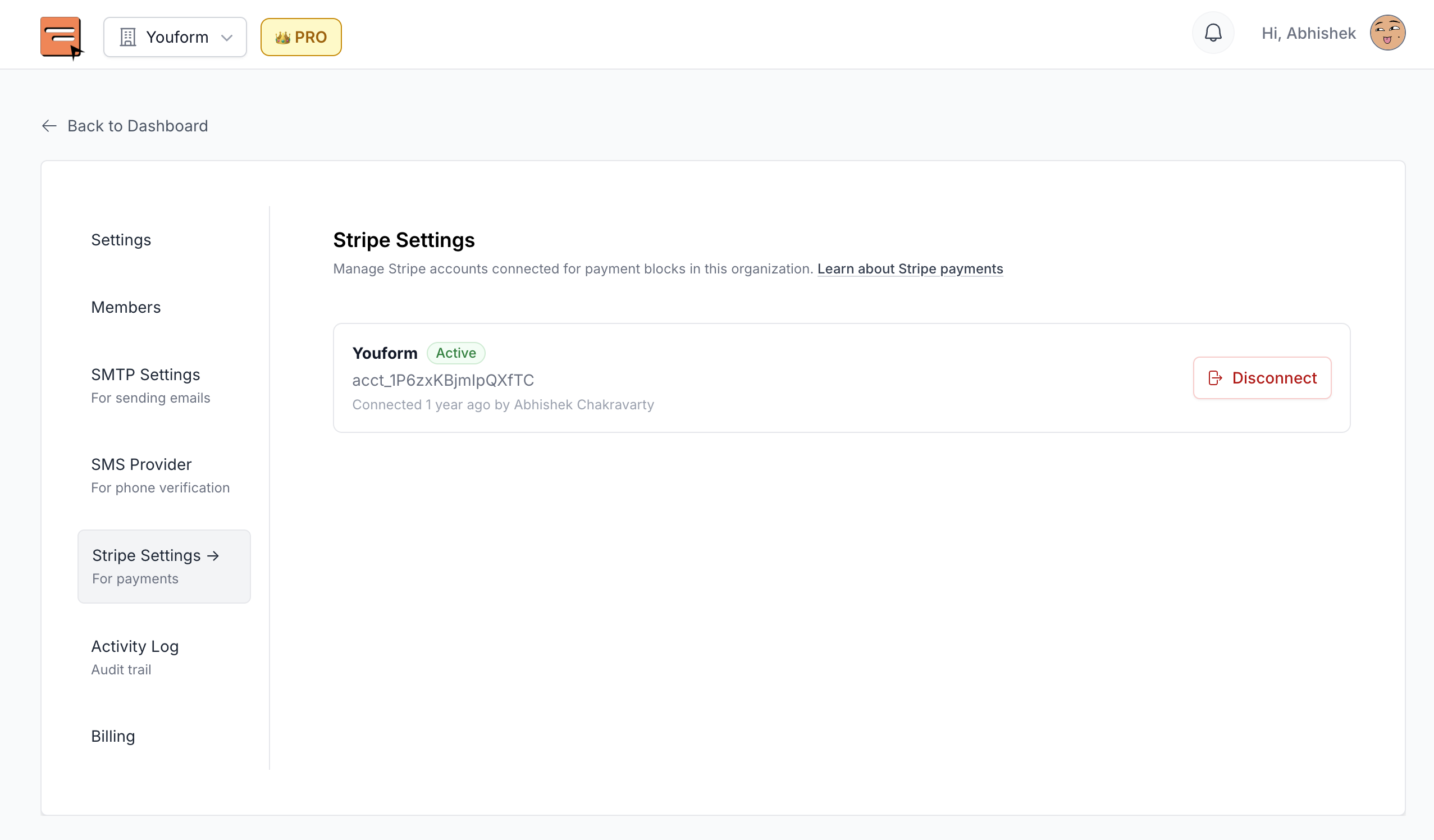
Organization settings => Stripe settings