

Can I add multiple questions on the same page in Youform?
Updated 3 months ago
By default, Youform displays one question at a time. To show multiple questions on a single page, use the multi-page question block.
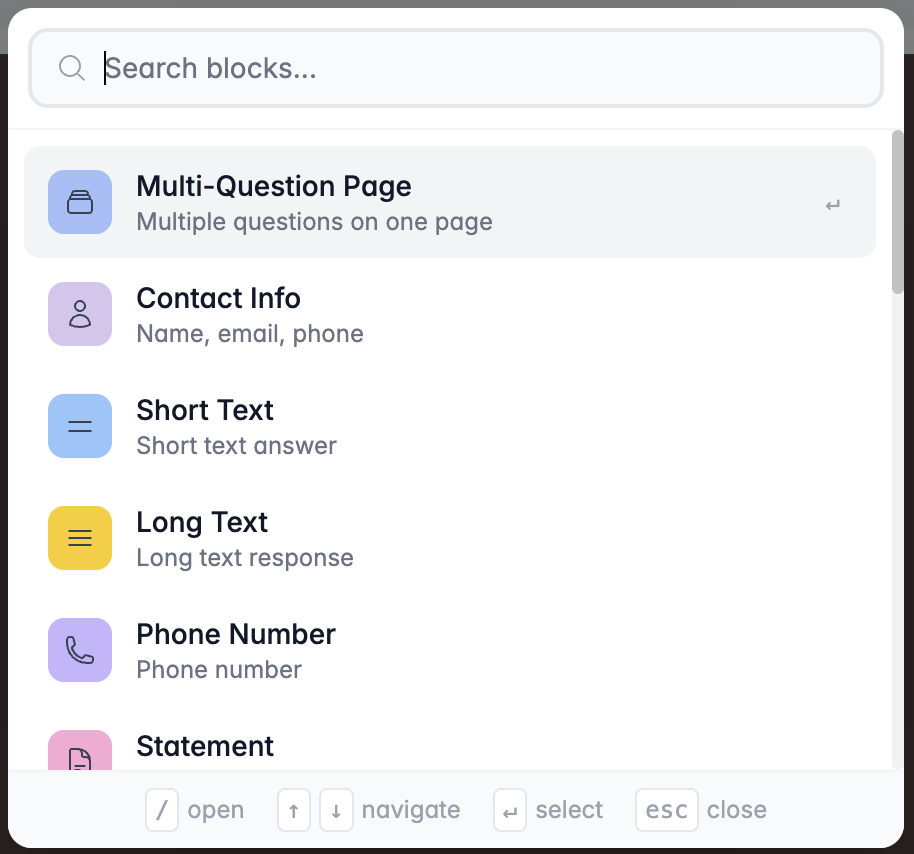
How to Add a Multi-Page Block?
In your Form Builder:
Click Add Block
Select Multi-page
Add different types of blocks to the multi-page block
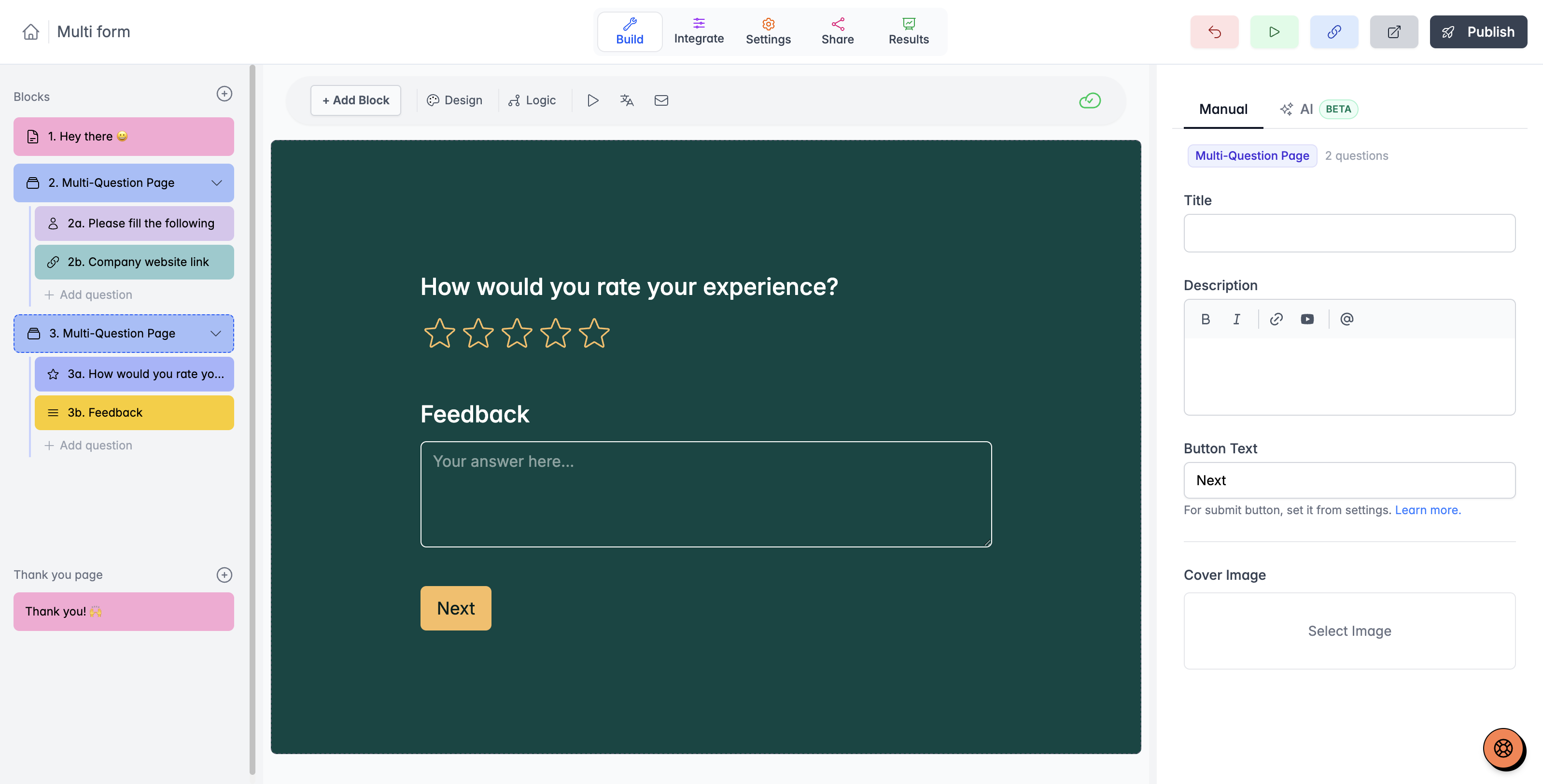
All blocks within the multi-page will appear on the same page in your form.
Managing Multi-Page Questions
In the builder, you can access child questions from the left panel and adjust their settings from the right panel. You can have multiple multi-page blocks in your form.
The scheduler and payment block types are not currently supported in multi-page question blocks.
Can I add multi-page question in my existing form?
Yes, you can add multi-page questions to your existing form. You can even group your existing questions on a single page, and all your previous submissions will remain intact.
To do this, add a multi-page question in Youform and drag and drop all the questions you want into a single group.
You can even "ungroup" your questions from multi-page by clicking the 3-dots on the right side of the multi-page block from the left panel of the builder.